Welcome to the Customization Studio
Select a feature below to start editing your The Royal Hall website. All changes preview live before publishing.
1. Logo Management
Upload, resize, position, and preview your website logo with live preview.

Click to Upload New Logo
PNG, SVG, WebP recommended • Min 200×200pxFor this page only, keep the logo in the navbar, move it into the hero or footer, or place it anywhere using custom X/Y screen coordinates.
3. Hero Image Editor
Upload, resize, position and animate your hero image with live preview.
Choose a page in the top bar. These settings override only that page; blank text fields inherit its current content.
Choose an individual button on the selected page, then edit its label, destination, colour and size.
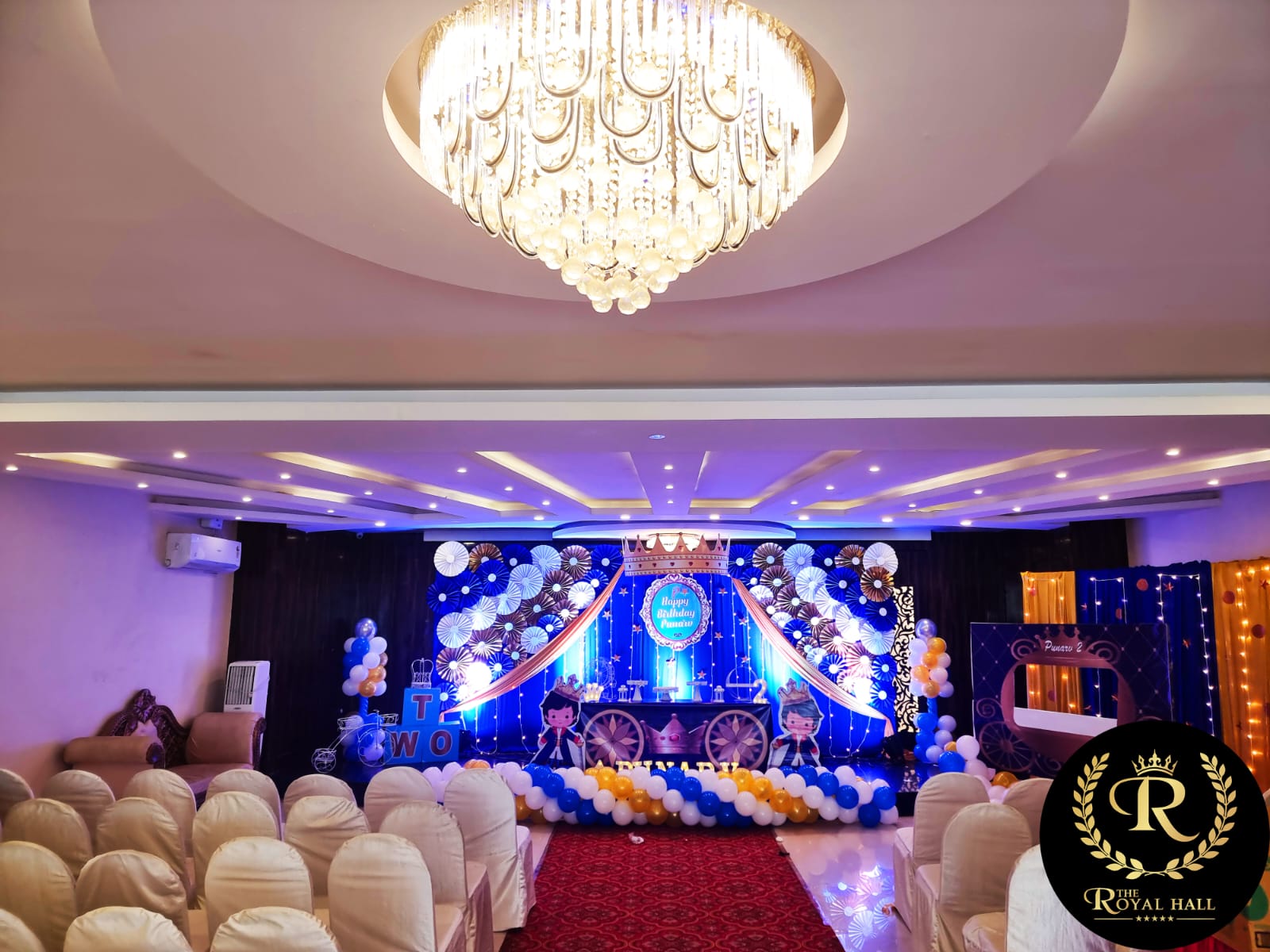
Recommended: 1920 × 800 or higher

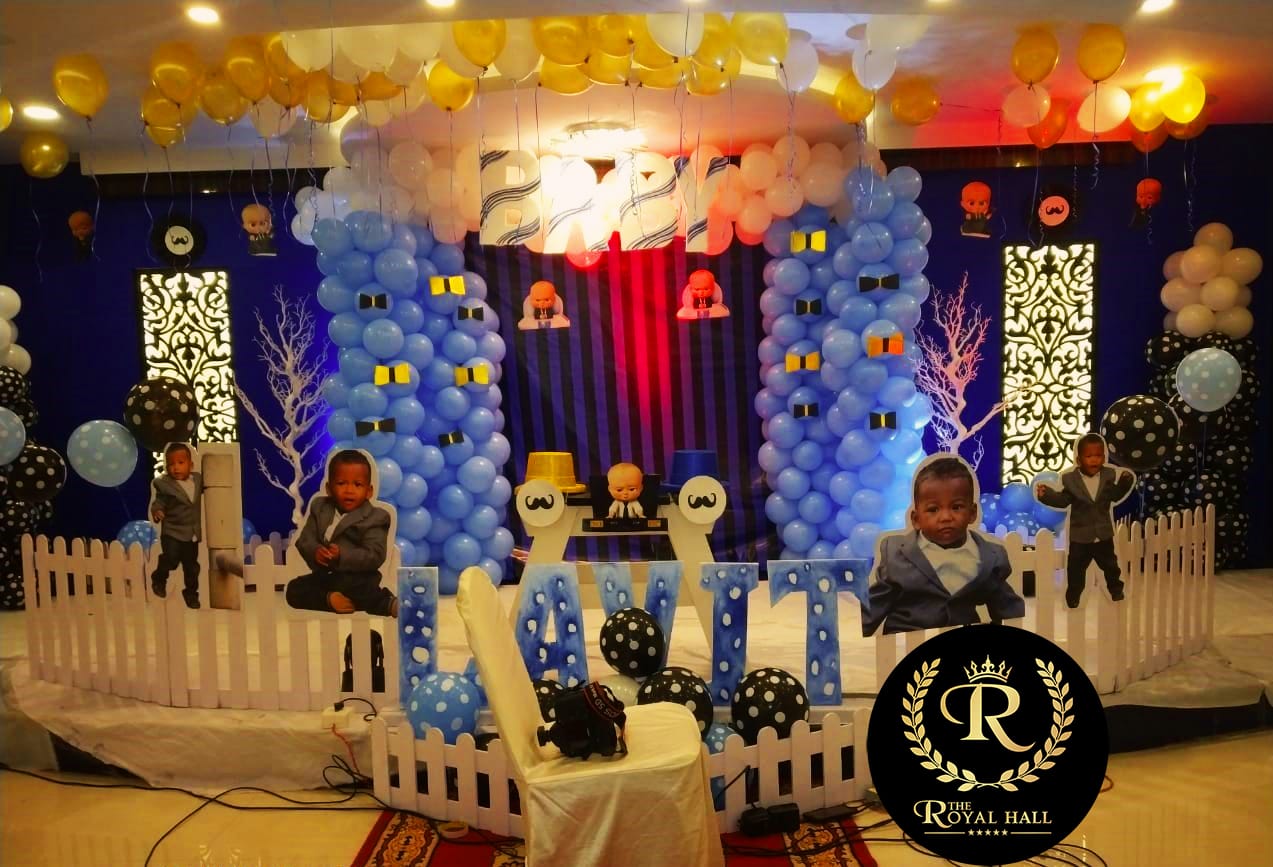

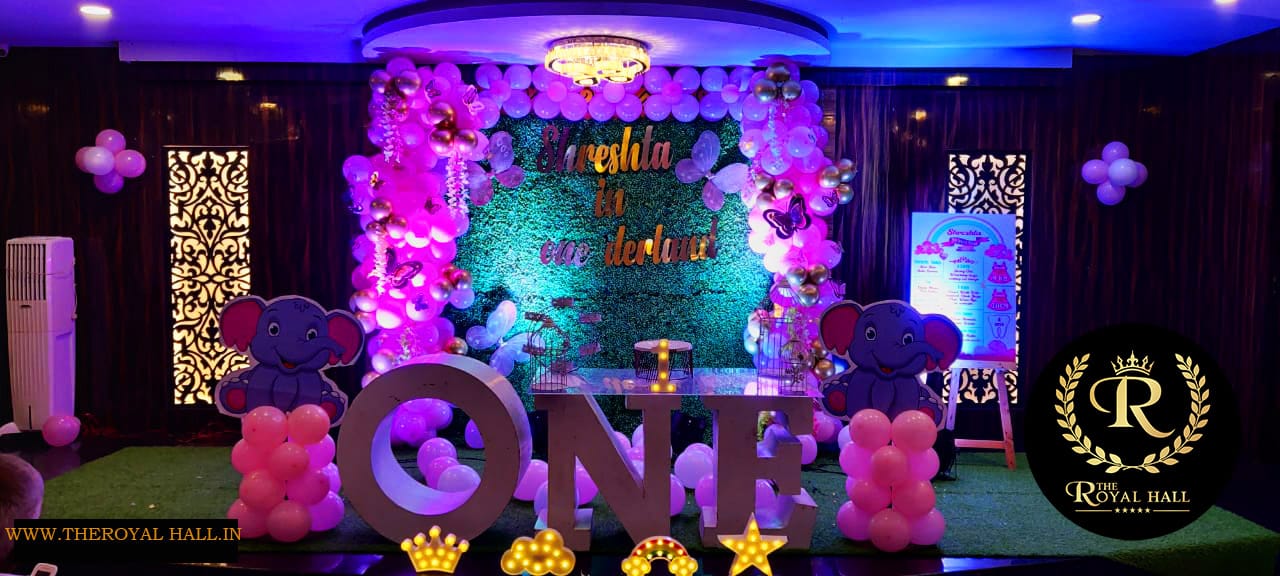
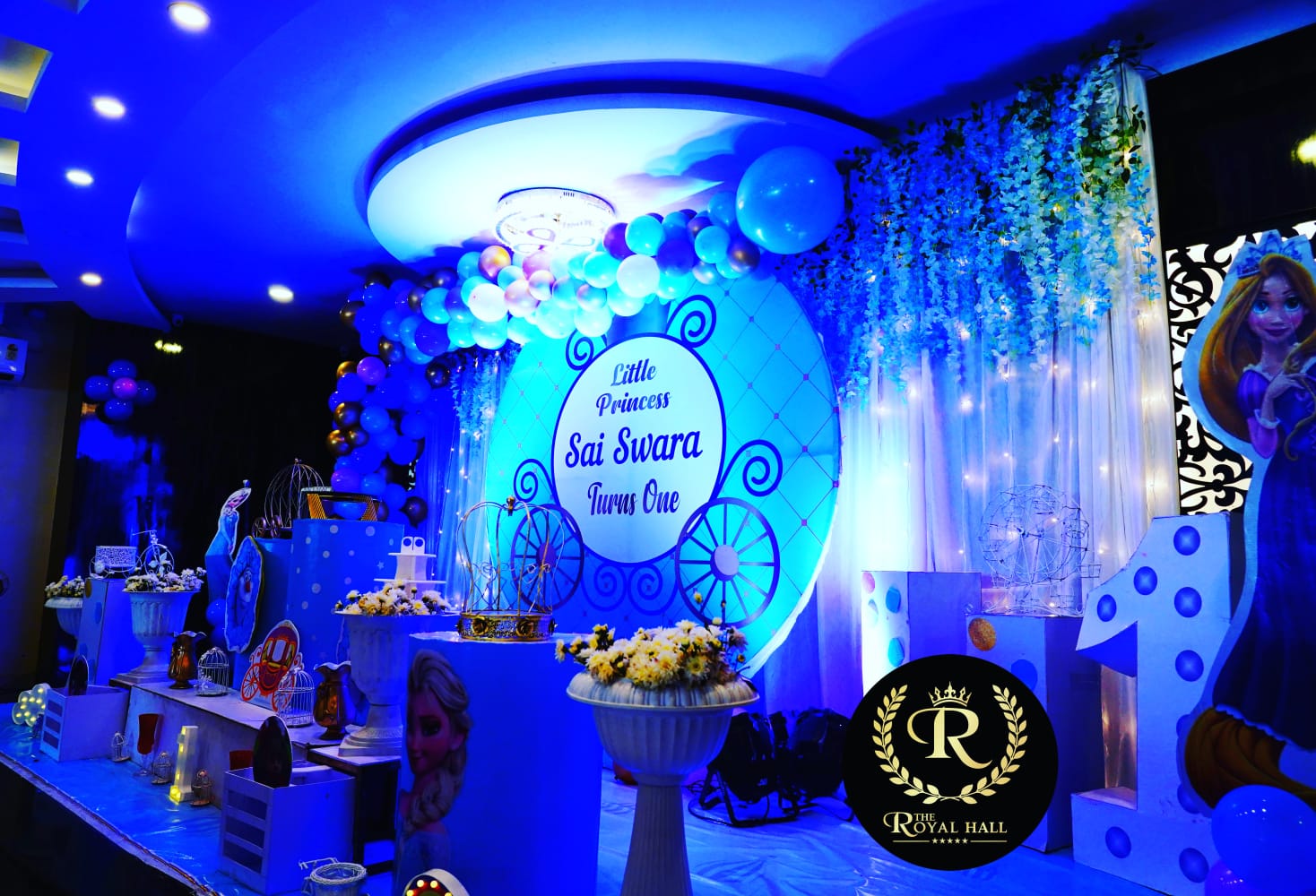


4. Hero Heading Editor
12 animations • 10 fonts • 30 color combos • typography controls
5. Hero Subheading Editor
30 typography presets • font controls • color • spacing
6. Background & Animation
Upload backgrounds • 15 animated effects • overlays • gradients
Upload Background Image
JPG, PNG, WebP • Use a permanent URL for larger images7. Video Management
Upload, crop, position, and control video playback settings.
Upload Video File
MP4, WebM recommended • Max 50MB for web8. Image Library
Manage all website assets — upload, rename, crop, resize, delete.
Upload New Images
Multiple files supported • Click or drag & dropUploads use short-lived signed requests from the backend. Configure Cloudinary cloud name, API key, and API secret in Render Environment. No unsigned preset or secret is stored in this browser.
9. Theme Library
10 one-click professional themes. Click to preview, apply instantly.
10. Animation Library
40 pre-built animations with speed, delay, duration, and target controls.
11. Visual Effects Library
40 visual effects: glassmorphism, neon, shadows, hover, gradients.
12. Components Library
40 reusable components: cards, buttons, sections, forms, and more.
13. Font Animation Library
40 text animation presets: typewriter, wave, shimmer, scatter & more.
⚙ Settings
Studio configuration and global preferences.
Change the Login ID and password used to access Admin Studio. Your current password is required, and you will be signed out after saving.
Studio Settings
Configure studio preferences, keyboard shortcuts, and global behavior from the left panel.